Netplay
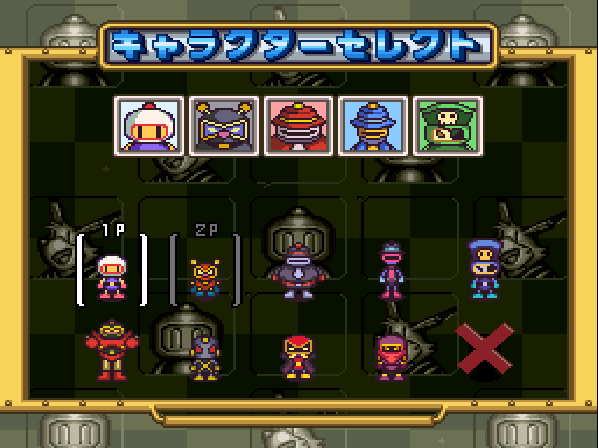
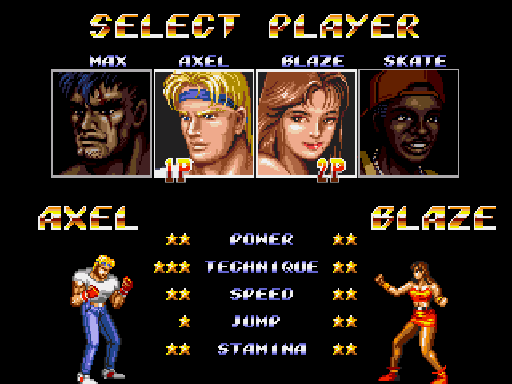
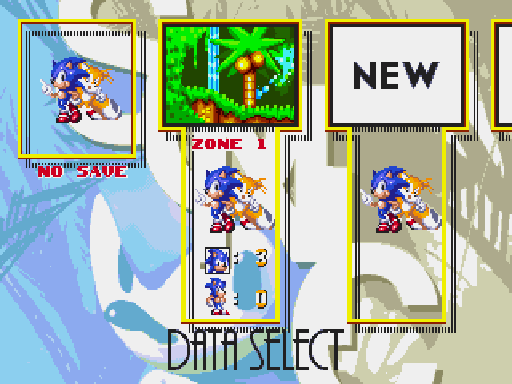
RetroArch enables you to play games online. You can challenge players around the world and compete on classic games like Mario Kart, Bomberman, Street Fighter, or team up on games like Streets of Rage or Sonic 3.
RetroArch relies on peer-to-peer networking to reduce network latency and ensure the best possible experience.
The lobby
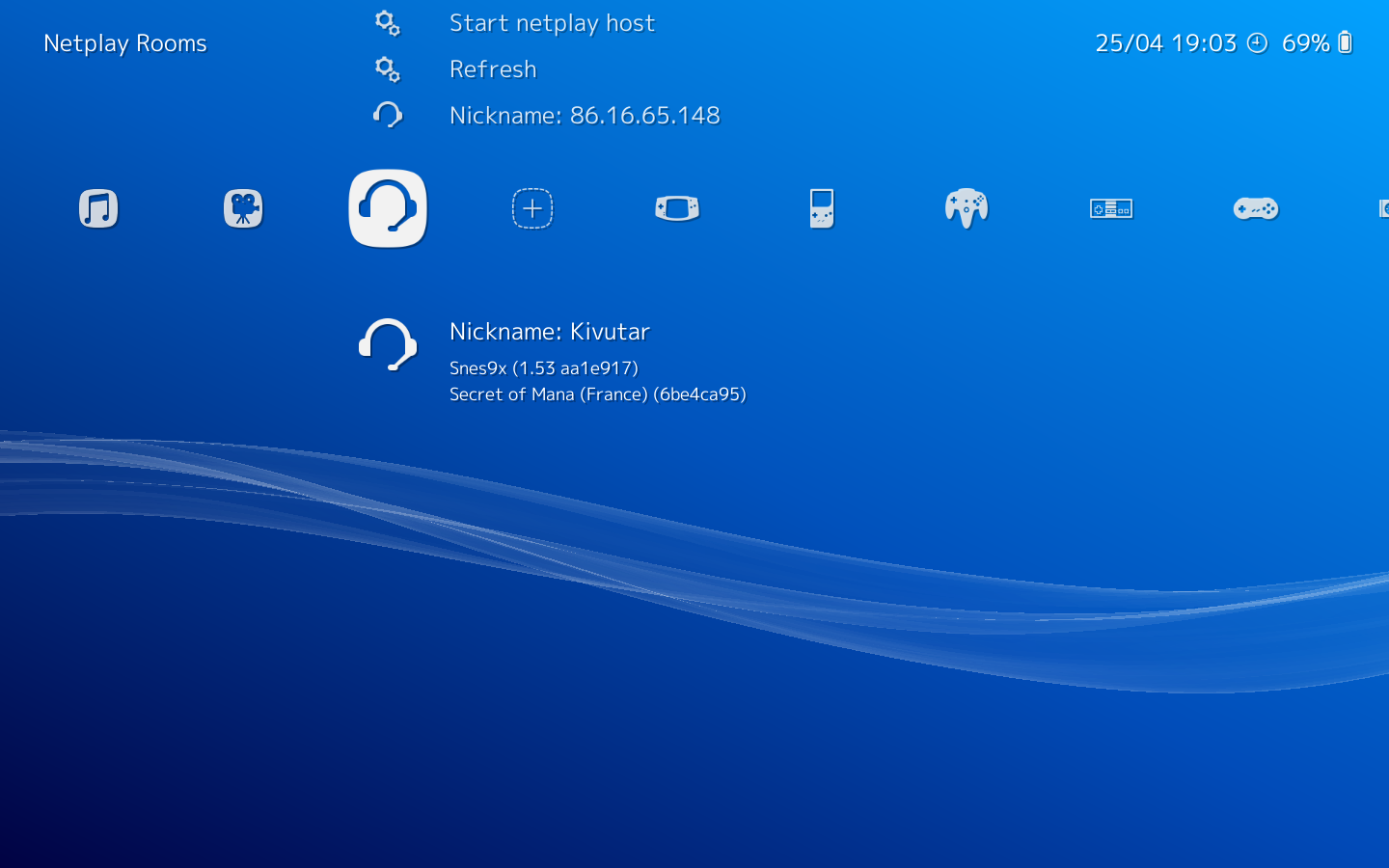
The most convenient way to try netplay is to use the lobby inside the menu.
You need an active internet connection and a router that supports UPnP port forwarding.
You will also need to own the same ROM as your partner and have it scanned and in your playlists. We recommend ROMs from the No-Intro sets.
To join a netplay room in the lobby, just refresh the room list and press A on a room entry.
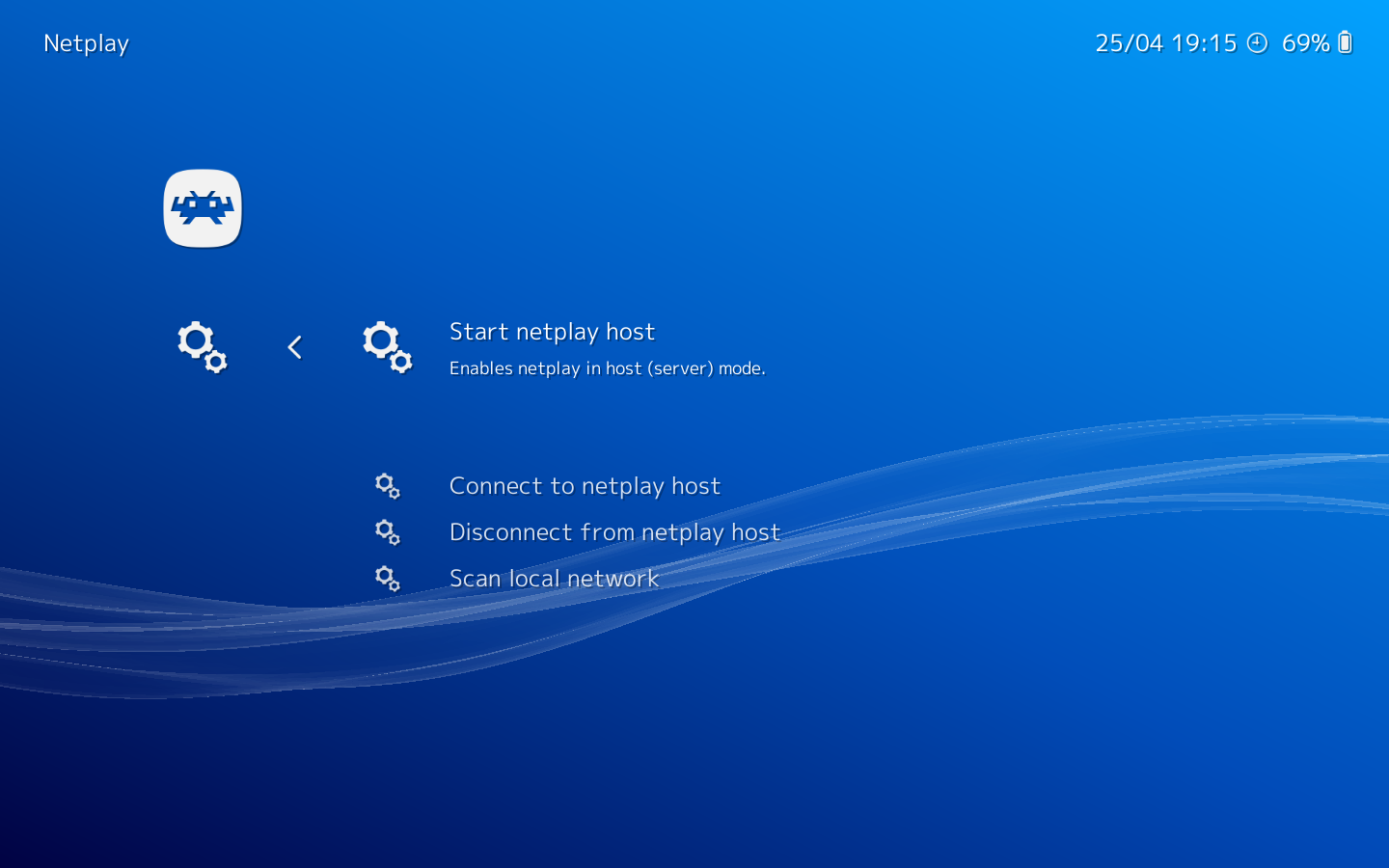
To host your own netplay session, press A on Start netplay host and a room will be created and announced publicly.
This lobby will also work for local rooms (on your home local network).
Manual netplay
Advanced users have the possibility to setup netplay manually.
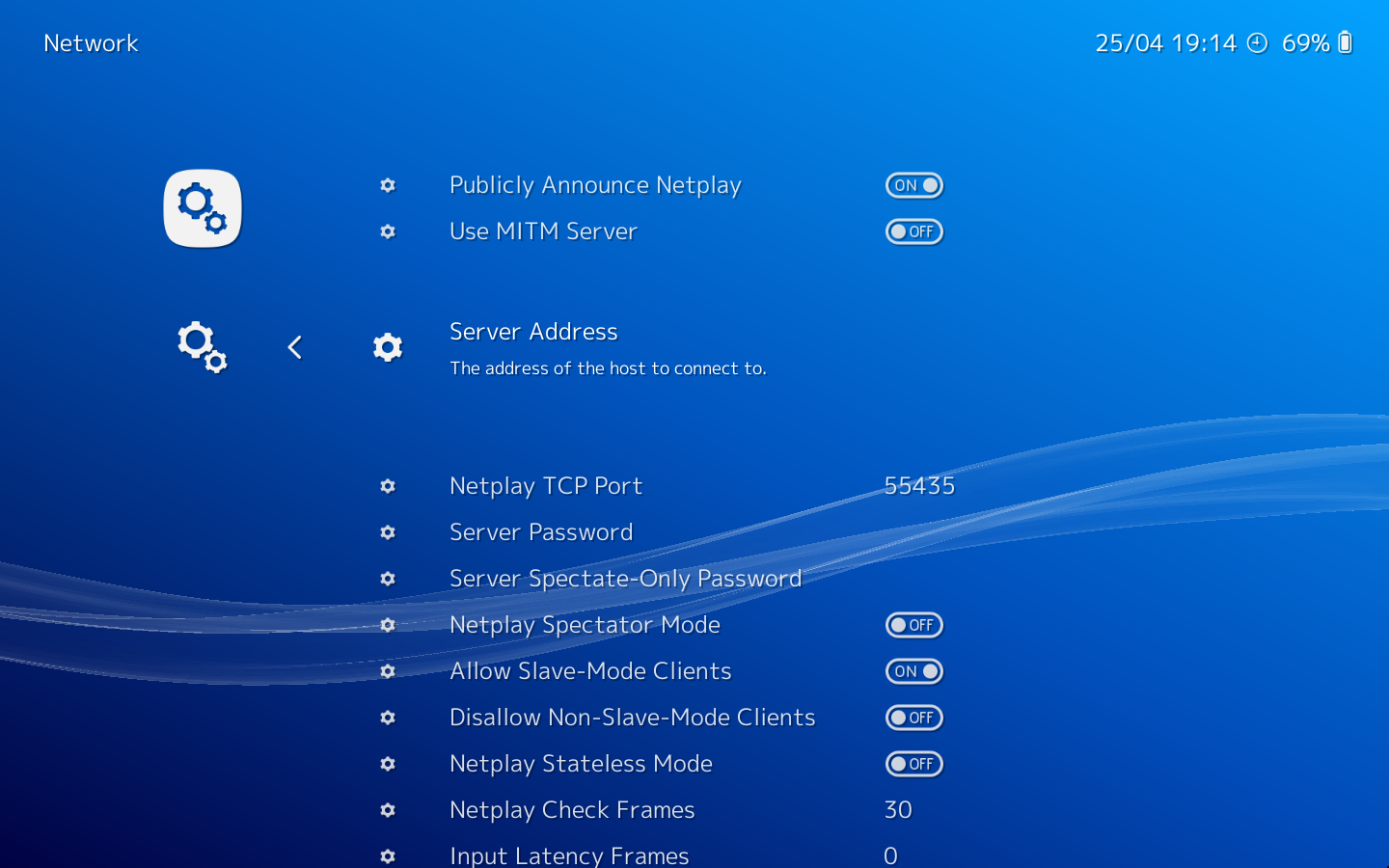
The Network Settings enables you to tweak how the network code will behave when you are acting as Server.
If you don't need NAT traversal, it can be disabled in the settings.
When you are acting as client, most of these settings will have no effect. The only things you will have to set will be the Server IP.
After you have configured netplay as you wish, launch a game and use:
- Start netplay host to act as server
- Connect to netplay host to act as client
How to Host
How to Join
How it works (technical breakdown)
RetroArch allows a second (or further) player, or spectators, to be connected via the Internet.
RetroArch's netplay code is based on replay, and provides netplay over unreliable networks free of input latency in the default configuration. Netplay supports up to 16 players and many spectators. Netplay in RetroArch is guaranteed¹ to work with perfect synchronization given a few minor constraints:
- The core is deterministic
- The only input devices the core interacts with are the gamepad and analog sticks
- Both the core and the loaded content are identical on host and client.
Cores are expected to support serialization for proper netplay behavior, but netplay will work in limited fashion with cores that do not support serialization. The experience will be far more smooth with serialization.
Netplay in RetroArch works by expecting input to come delayed from the network, then rewinding and re-playing with the delayed input to get a consistent state. At any given time, all netplay clients may be in inconsistent states, but once they receive each other's delayed data, they invisibly rewind to the last time they were consistent, replay with the new input, and reach a new state, notionally closer to the "correct", canonical state than the previous one. So long as both sides agree on which frame is which, it should be impossible for them to become de-synced, since each input event always happens at the correct frame.
Community
Join our Discord channels to find netplayers. Through Discord you would also be able to use voice chat to converse with others during gameplay.