Shaders

Shaders are efficient graphics filters that can greatly improve the rendering of old games.

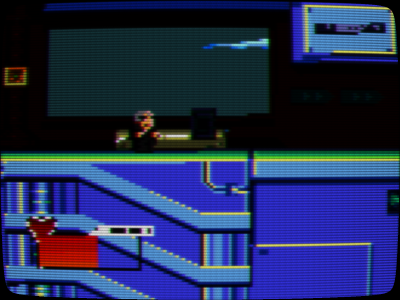
They can also be used to replicate the look and feel of old CRT monitors.

You can even stack them to create your own effect. The possibilities are infinite.

On top of that, there is HDR support for shaders (HDR-compatible display device required).

RetroArch was one of the first emulator programs trailblazing the use of shaders back in 2010. And we still hold a significant edge over other programs.

Presentation

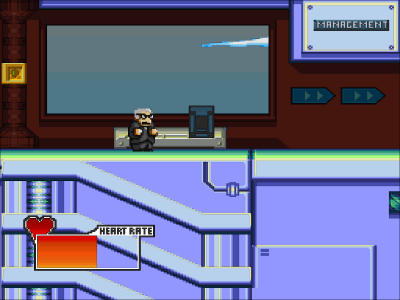
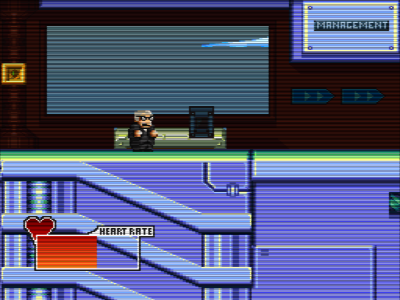
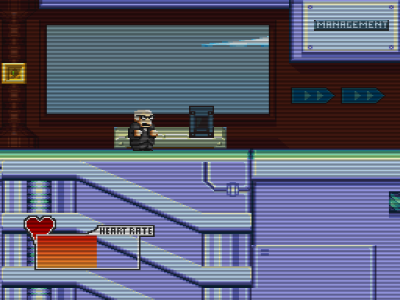
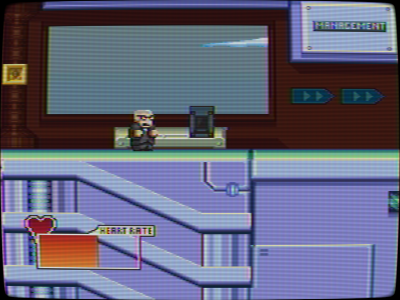
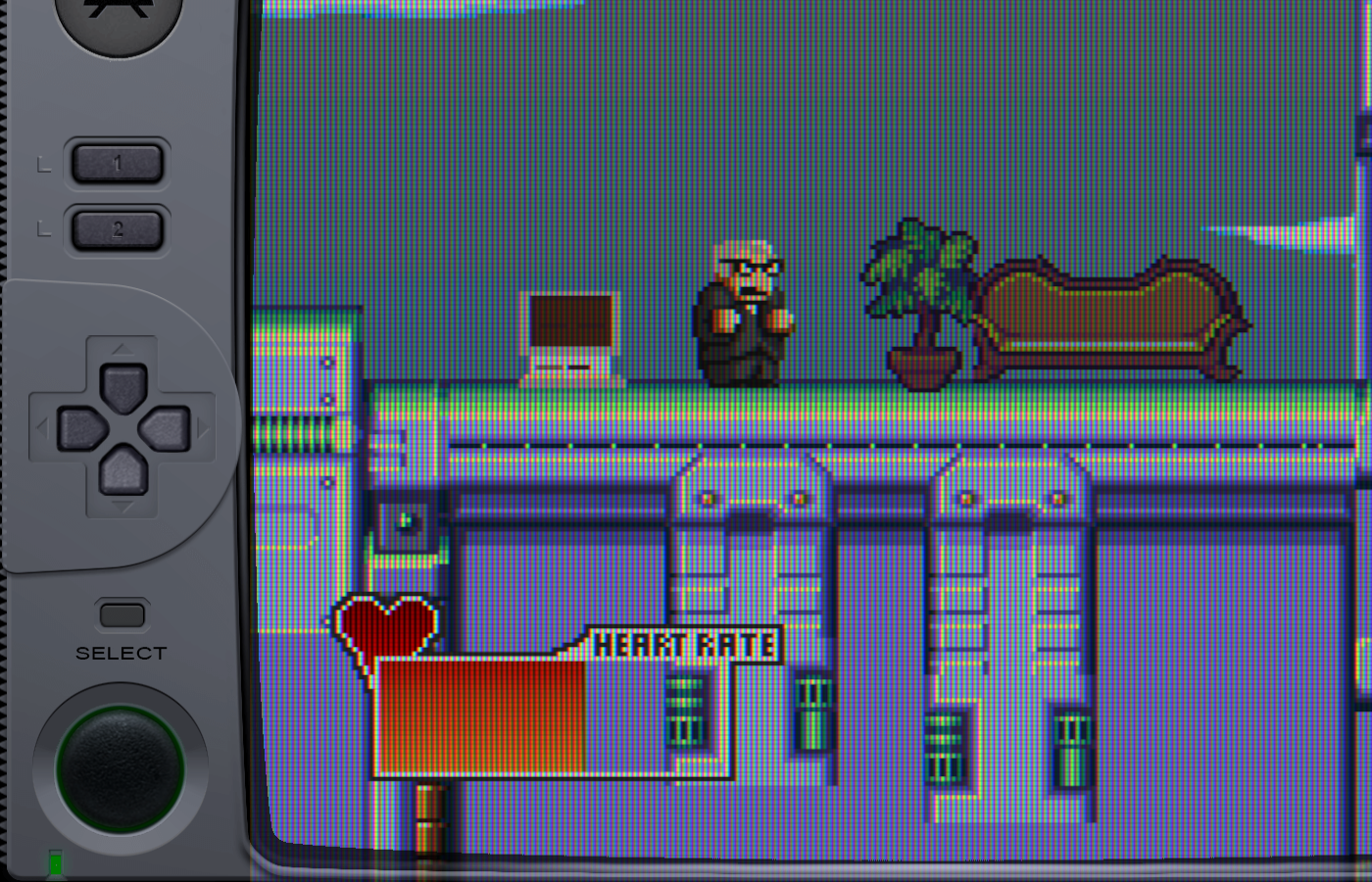
RetroArch ships with a lot of shaders. There is an overwhelming array of them and we can't show all of them on this page.

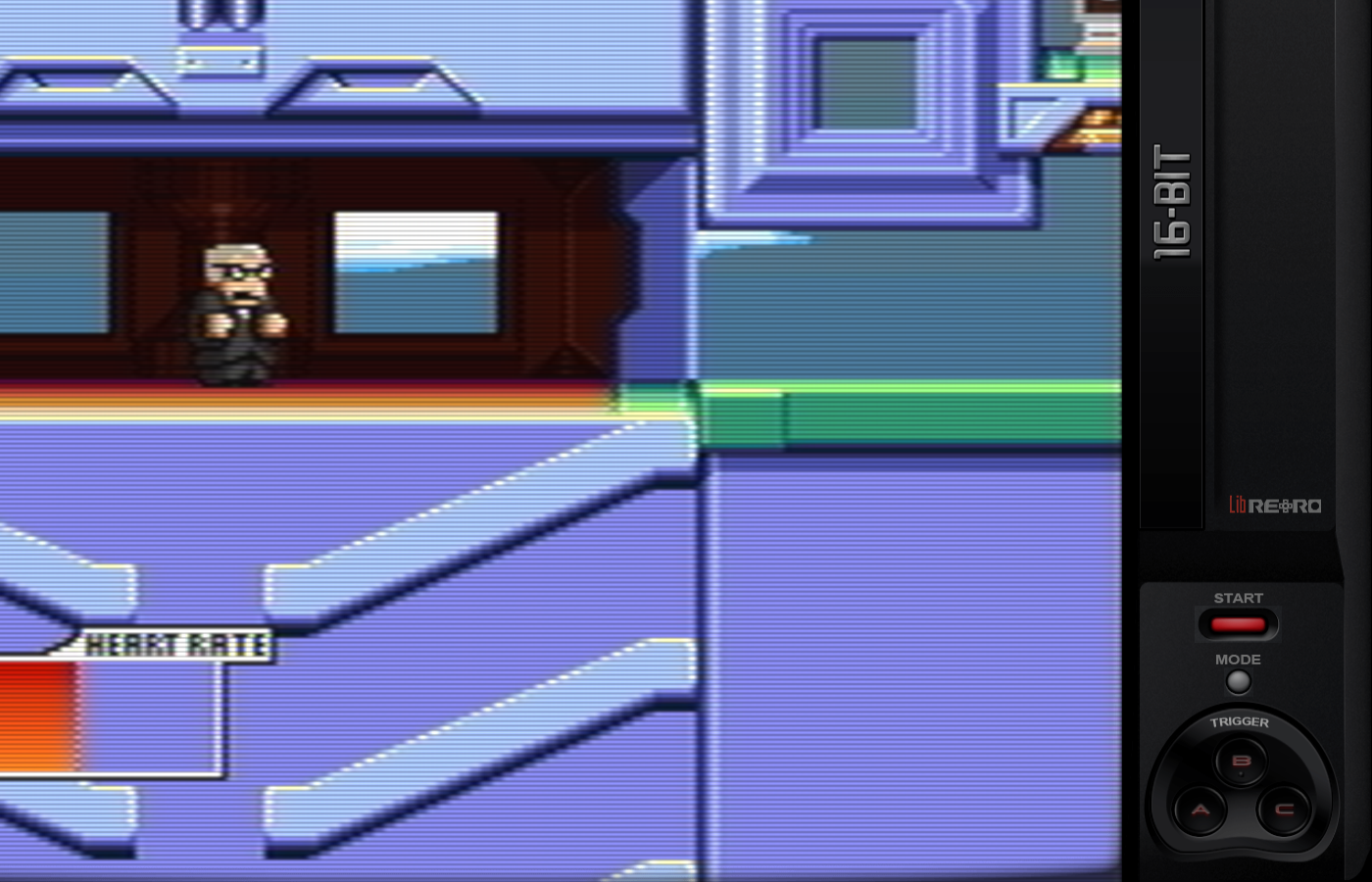
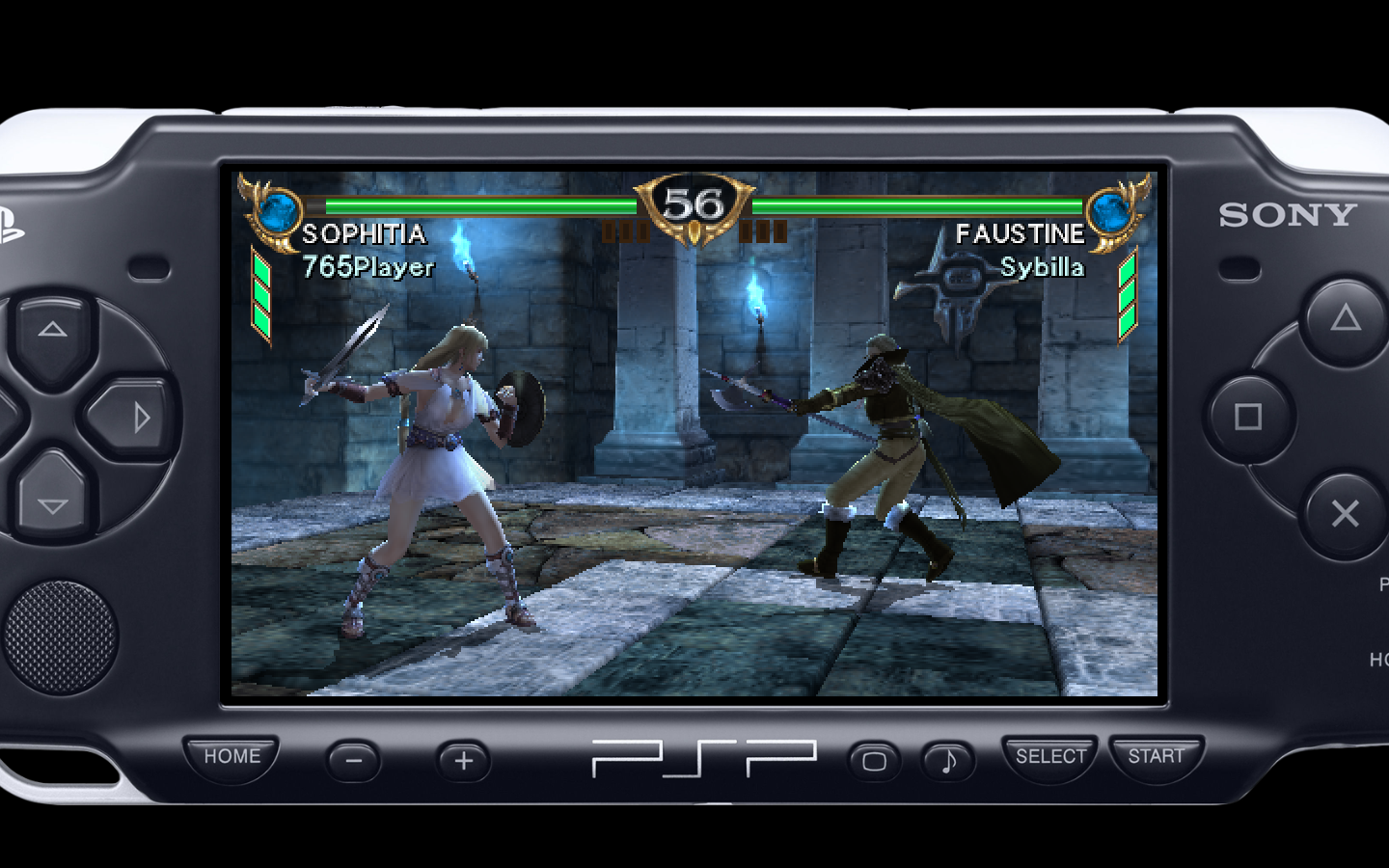
Here are a few common examples:

Shaders can also be used to display the handheld border:

Shader languages and shader presets

Shaders are small programs, and they are written in specific programming languages. RetroArch supports 3 of these languages:

Depending on your platform and the way you have configured RetroArch, you need to use one of these shader types.

RetroArch is also able to stack these shaders to create a combined effect. These complex effects are saved with a special extension:

The shader presets can also have parameters. This means that you can tweak them to fit your needs.

Downloading and upgrading shaders

You can download or upgrade the shader packs for the 3 types in Main Menu->Online Updater.

Loading a shader preset

To enable a shader preset, you need to have a game running.

You then trigger the menu and you should see a Shaders entry in the Quick Menu.

Go to Load Shader Preset and choose a preset file.

For this example, we used shaders_glsl/crt/crt-geom.glslp.

Configuring a shader

In this example, we have set the Menu Shader pipeline to OFF and the Background Opacity to 0 in the Settings->User Interface->Menu to be able to preview the parameter changes in live.

Load a game and apply a shader preset that supports parameters like shaders_glsl/crt/crt-geom.glslp.

You then trigger the menu and you should see a Shaders entry in the Quick Menu.

Go to Preview Shader Parameters and start playing with the values.

When you are happy with your changes, you can save them under a new preset file.

News

RetroArch 1.21.0 release

RetroArch 1.21.0 has just been released. Grab it here. Remember that this project exists for the benefit of our users, and that we wouldn’t keep doing this were it not for spreading the love to our users. This project exists because of your support and belief in us to keep going doing great things. We have […]

Continue reading

Introducing ROM Cleaner

Jesse Talavera here again! You may remember me from my work on melonDS DS, McSoftServe, and assorted improvements to RetroArch like microphones and XDelta softpatching. I’ve secretly been developing something brand-new that I’m itching to share with you. Although RetroArch was designed for retro game emulation, every now and then something comes along that breaks […]

Continue reading

Bliss-box 4-play advanced – RetroArch ready : Early bird offer inside

For a limited time you can pre-order yours before production begins. https://bliss-box.net/products/4-play-advanced   Compatibility Works with the existing software Has the same USB ID so that you do not need to reconfigure your software Has the same mapping, and code logic just faster with greater controller support Compatible with 4-Play/GP Cables Advantages over the 4-Play.   […]

Continue reading

LRPS2 – the new PlayStation2 core with a brand new Vulkan LLE renderer

We have a brand new PlayStation2 core, LRPS2. It’s a heavily modified version of PCSX2 custom made for the Libretro API, and it currently runs on Windows, macOS and Linux. The core code is modern and up-to-date unlike the old core and it no longer suffers from the serious drawbacks the older core had. It […]

Continue reading

RetroArch 1.20.0 release

RetroArch 1.20.0 has just been released. Grab it here. Remember that this project exists for the benefit of our users, and that we wouldn’t keep doing this were it not for spreading the love to our users. This project exists because of your support and belief in us to keep going doing great things. We have […]

Continue reading

RetroArch first program to support BlurBuster’s CRT beam racing simulator shader

We are excited to introduce a new shader that significantly improves motion clarity on modern displays, without the typical drawbacks associated with black-frame insertion (BFI) implementations. This shader is the work of Mark Rejhon from BlurBusters (blurbusters.com) and Timothy Lottes (creator of the original FXAA shader and the crt-lottes shaders). It leverages RetroArch’s recently added […]

Continue reading

PlayStation2 and the CRT TV

The PlayStation2 is a system designed almost entirely from the ground up for use with CRT TVs. Like any other game console built around analog video output, it is not designed around pixels or resolution, but scanlines and timing. Yes, there is a way to attach a VGA monitor for the official PS2 Linux toolkit […]

Continue reading

RetroArch 1.19.1 release

RetroArch 1.19.1 has just been released. Grab it here. Remember that this project exists for the benefit of our users, and that we wouldn’t keep doing this were it not for spreading the love to our users. This project exists because of your support and belief in us to keep going doing great things. We […]

Continue reading

RetroArch 1.19.0 release

RetroArch 1.19.0 has just been released. Grab it here. Remember that this project exists for the benefit of our users, and that we wouldn’t keep doing this were it not for spreading the love to our users. This project exists because of your support and belief in us to keep going doing great things. We […]

Continue reading
RetroArch on Apple App Store

RetroArch is now available on the Apple App Store. It is currently available for iPhone, iPad and tvOS. A macOS version on the Apple App Store is planned but no ETA. A new RetroArch version is also coming out soon.

Continue reading

Lakka – Raspberry Pi gets 240p Composite Video

Special community version of Lakka has been released! Raspberry Pi gets 240p Composite Video output support! Read more about it in this article here.

Continue reading

Introducing McSoftServe

Hi there, everybody! I’m Jesse Talavera, a libretro contributor. I’m primarily known in this community as the author of melonDS DS, but I’ve got some other exciting projects in the oven as well. Today I’d like to share with you something new that I’ve been working on for some time. Introducing McSoftServe, an emulator for […]

Continue reading

Vircon32 joins libretro/RetroArch

Written by: Carra Hi! I’m Carra and I created Vircon32, a new game console. My Vircon32 core was recently integrated into RetroArch, so I thought this could be a good opportunity to talk about both the console itself and my overall experience creating a Libretro core. What is Vircon32? Vircon32 is a 32-bit virtual console […]

Continue reading

Geolith emulator ported to libretro

We have the pleasure of announcing a great new emulator core, the Neo Geo emulator Geolith. The upstream author of the Jolly Good Emulation project broke out this core and ported it to libretro to make it available to as many users as possible, and we’re happy to welcome it into the fold. Historically, Neo […]

Continue reading

RetroArch 1.17 – new netplay features

RetroArch 1.17 expands Netplay to support playing multiplayer games that were originally played on two or more separate consoles or computers connected together. This is currently supported by two cores: DOSBox Pure and gpSP. In DOSBox Pure it is now possible to play DOS and early Windows multiplayer games that used IPX, Ethernet or a […]

Continue reading