
RetroArch is a modular program that runs emulators and games within its framework as if they were 'plugins'.
These plugins are called 'cores', and you need to install them inside RetroArch to be able to use them.
These cores can also be used in other programs that implement the Libretro Application Programming Interface (API).
Both Libretro and RetroArch were made by the same developers, and RetroArch serves to demonstrate Libretro's power and scope.
On most platforms (except game consoles and certain mobile platforms), RetroArch comes with dynamic module loading support.
On these systems, you will be able to install and/or update new cores as they become available on our buildbot.
To access these, go to RetroArch's main menu, select 'Online Updater', and then select 'Update Cores'.
You don't need to download a new version of RetroArch in order to be able to run new or updated cores!
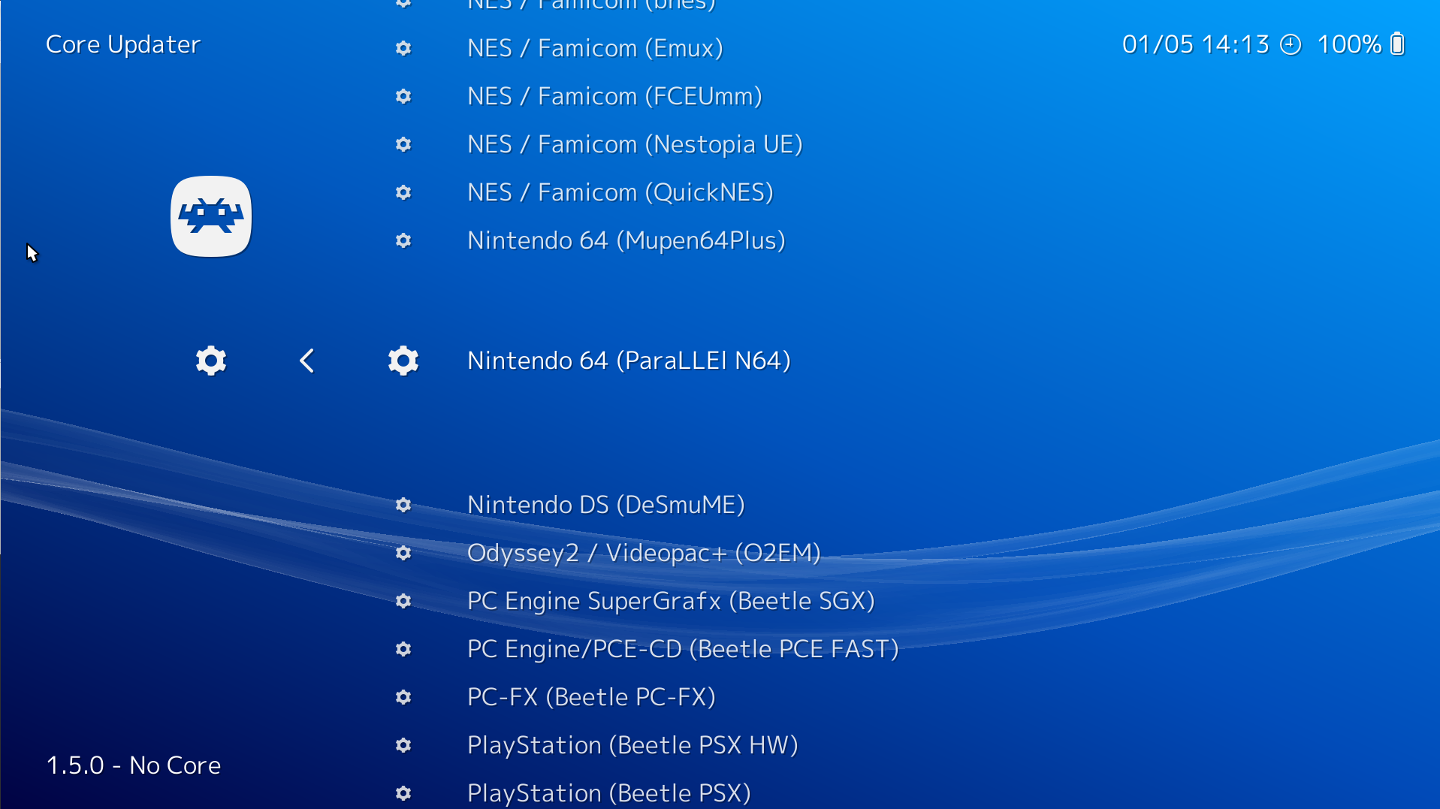
Once a core is installed, you can load a core by going to the Main Menu and selecting 'Load Core'. Every core that has been installed already will be shown in a list.
After you have made your choice, you can then select the 'content' for that core by going to 'Load Content'. The content that is supported by the core will be shown inside the file browser.
Some cores, like 2048, do not require any content in order to work. In this case, after you have loaded the core, 'Start Core' will appear inside the main menu. Select this to start the core directly.
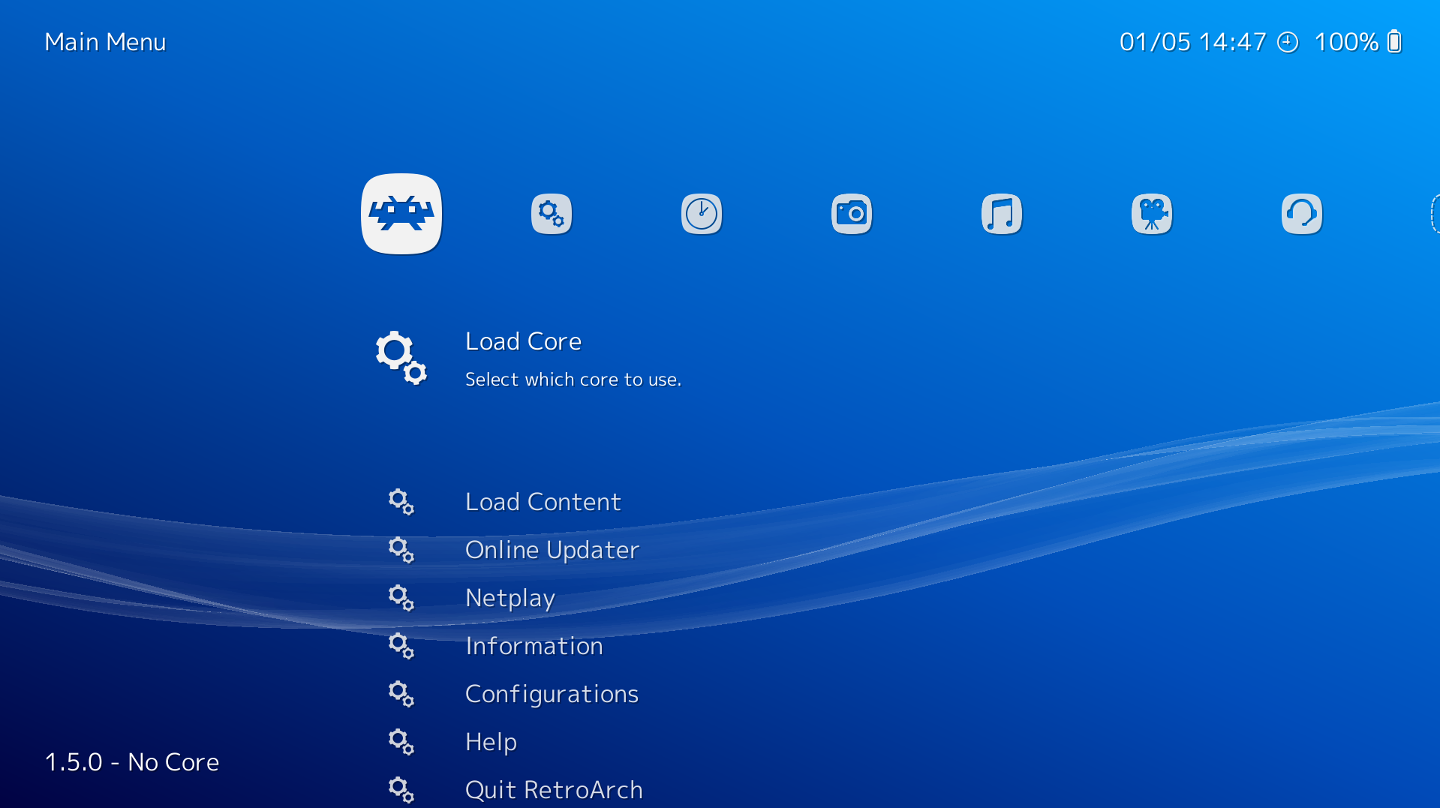
The libretro core library keeps getting bigger over time, and there is always something new that gets added to our servers. So be sure to visit the 'Update Cores' section daily on RetroArch. Cores get added and/or updated constantly!
If you'd like to learn more about libretro, or you are a developer interested in learning how to use it for your own projects, visit the Libretro website here.

The Libretro API is a lightweight C programming language-based Application Programming Interface (API) that exposes generic audio, video, and input callbacks. Developers of "cores" such as standalone games, game emulators, media players, and other applications don’t have to worry about writing different video drivers for Direct3D, OpenGL, Vulkan, or worrying about catering to all possible input APIs, sound APIs, gamepads, etc.
When you choose to use the libretro API, your program gets turned into a single library file (called a ‘libretro core’). A frontend that supports the libretro API can then load that library file and run the app. The frontend’s responsibility is to provide all the implementation-specific details. The libretro core’s responsibility is solely to provide the main program.
Any project that is ported to work with this API can be made to run on ANY libretro frontend – now and forever. You maintain a single codebase that only deals with the main program, and you then target one single API (libretro) in order to port your program over to multiple platforms at once. A libretro core written in portable C or C++ can run seamlessly on many platforms with very little or no porting effort. Libretro bindings for other languages are growing increasingly common and comprehensive as well.
Libretro is an open specification that is 100% free to implement, with no licensing fees or strings attached. Our reference frontend is RetroArch. The two projects are not the same, and this is reflected in the licensing. RetroArch is licensed via GPLv3 whereas the libretro API is a MIT-licensed API.
RetroArch/Libretro has over 200 cores, and the list keeps expanding over time. These include game engines, games, multimedia programs and emulators.
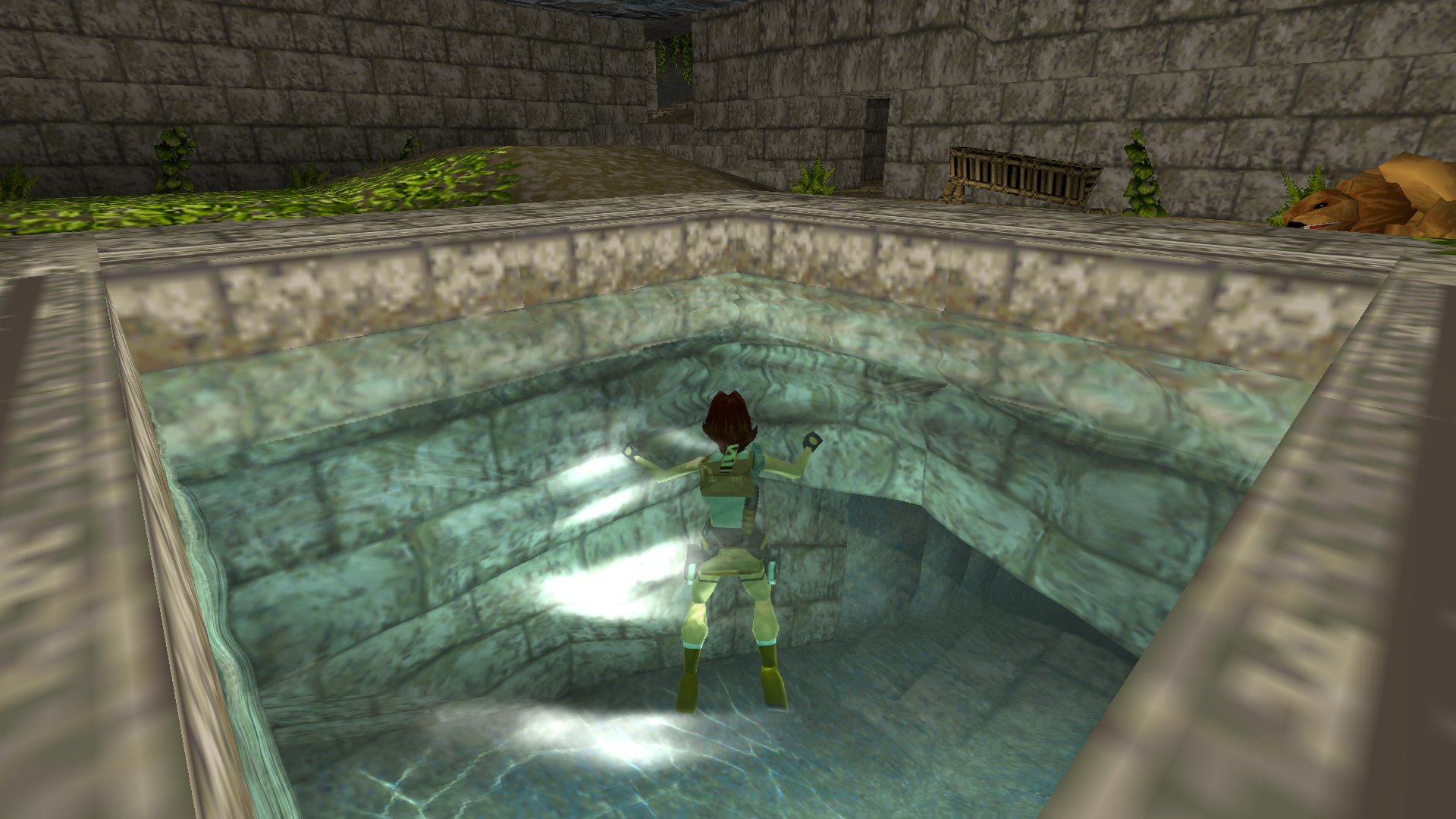
OpenLara is an early Tomb Raider game engine recreation.
Core available now for Windows/Linux.
For more information, read our article on this release here.
It uses the original data files in order to work. What is nice about this one is that it has some very fancy graphics effects added on top of the old game engine without it resulting in any stylistic clashes.
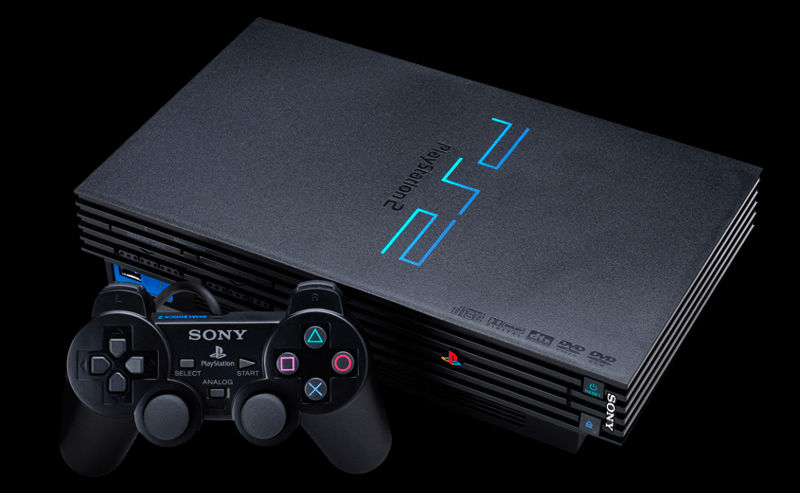
LRPS2 is a PlayStation2 emulator. It has a brand-new Vulkan-powered LLE renderer called ParaLLEl GS.
ParaLLEl-GS' goal is to be as accurate as software rendering but using the GPU instead of the CPU. Thanks to this we can also do enhancements which would be too slow to do on software, such as supersampled antialiasing and other enhancements.
For more information, read our article on this release here.
DOSBox Pure is an easy-to-use plug and play version of DOSBox written specifically for Libretro/RetroArch. It supports MS-DOS and Windows 9x games. You can use savestates and even rewind. Automatic game detection with custom gamepad to keyboard mapping for many DOS games.
For more information, read our article on this release here.
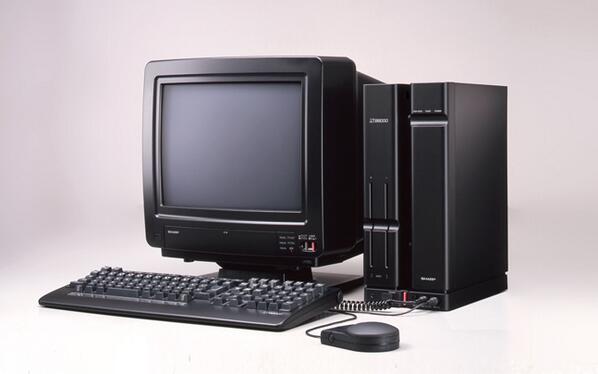
PX-68K is a Sharp X68000 emulator. This is a Japanese home computer from the late '80s/early '90s that was used by Capcom as devkits for their arcade games. It played host to many popular games from the likes of Namco, Konami and Capcom.
Core available now for Windows, macOS, Linux, Android and iOS.
For more information, read our article on this release here.
Loading news…